Excel & VBA Consultants - info@exceladviser.com
Excel & VBA Consultants
Excel & VBA Consultants - info@exceladviser.com
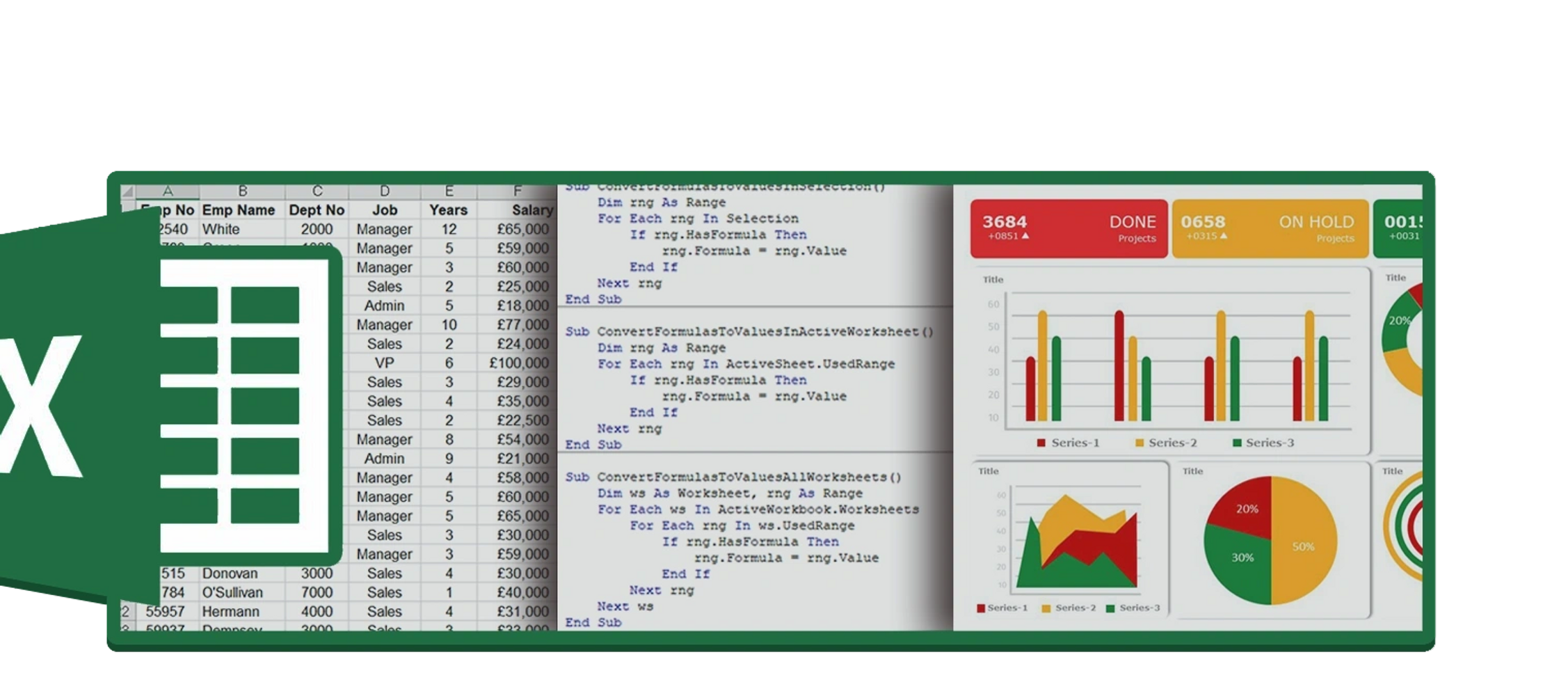
Excel Adviser is a UK based consulting firm with over 20 years experience specialising in Microsoft Excel, VBA automation, and data manipulation, primarily serving clients in the financial sector. We offer professional consulting services that are completely customizable for your business needs.
Excel Adviser's have been helping clients throughout the UK with formula issues, complex spreadsheet models, transformation of data, generation of management Information, bespoke automation solutions increasing both efficiency and accuracy.
Our consultants are typically brought in when existing spreadsheets or VBA code needs reviewing after staffing changes, system changes or the business requires greater insight to their existing data set.
Our clients have enjoyed the benefits and cost saving of spreadsheet automations so contact us and see how Excel advisers can help.
Spreadsheet modelling helps simplify complex data analysis by automating calculations, identifying trends and insights for decision making. Used extensively in the finance, accounting and engineering fields.
VBA programming offers significant advantages by enabling automation of repetitive tasks, saving time and effort. It also improves accuracy by eliminating human error in manual data manipulation. VBA also extends Excel's usage as it unlocks a new level of problem solving and interactions with other applications.
Excel formulas can be daunting for many Excel users.
Excel Advisors can help with errors, understanding or a rewrite of old spreadsheet models, ensuring formulas are robust enough and fit for purpose and advising on complex functions and calculations.
Dirty data in Excel can lead to unreliable analysis and misleading conclusions Data cleansing is essential because it ensures the accuracy and consistency of information.
This can involve removing duplicates, correcting formatting inconsistencies, fixing typos and standing entries. By cleaning data you can trust your spreadsheets to provide a clear and accurate picture for informed decision-making.
Automating Excel reports and dashboards offers a multitude of advantages. It streamlines report generation, saving significant time and effort previously spent on manual data manipulation and formatting. This frees up valuable resources for analysis and strategic tasks. Automation also minimizes errors inherent in manual processes, ensuring data accuracy and consistency in reports and dashboards. Ultimately, automation empowers businesses with reliable, up-to-date insights for better decision-making.
Regular maintenance of your Excel spreadsheets is crucial to ensure their accuracy, efficiency, and usefulness. As data updates and business needs evolve, spreadsheets can become outdated or cluttered if not properly maintained. This can lead to errors, inconsistencies, and wasted time wrestling with cumbersome files. Ongoing maintenance involves tasks like cleaning up unused data, updating formulas, and revising charts to reflect current information. By dedicating time to spreadsheet maintenance, you can guarantee that your spreadsheets continue to be reliable and valuable tools.
Once we have discussed the scope of work we can advise on how much it will cost. This is beneficial to those working on a budget.
Where work is ongoing or an hourly rate can be more appropriate.
Basic rate is £75 per hour
Copyright © 2024 Excel Adviser - All Rights Reserved. Excel and VBA Consultants United Kingdom
London, Essex, Cambridge, Hertfordshire, Sussex, Norfolk, Suffolk, Kent, Surrey
Powered by GoDaddy